Scan cards with your phone
What it is
The camera names the card and the printing, then you add it to your collection or your shop.
When to use it
When you have a stack of cards in your hand and no list.
How to do it
- 1
Open the scanner and tap “Start scanning”. Allow the camera.
Open the scanner → - 2
Hold the card flat in the frame. It locks on by itself. If not, tap “Snap a deeper read” or “Upload a photo”.
- 3
Check the name. If it is wrong, pick the right one under “Not certain”.
- 4
Tap “List in my shop”, pick condition, quantity and price, then list it.
- 5
For a whole box use the “Bulk box” tab, then “List all in my shop”.
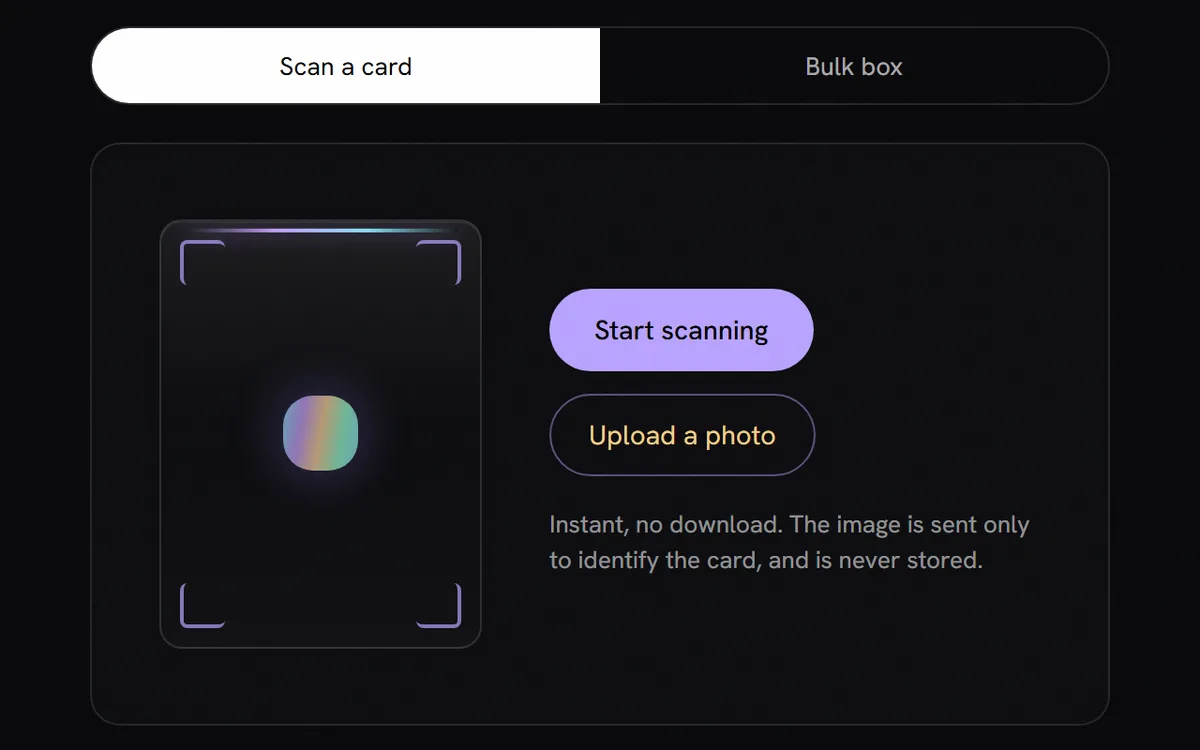
- 1Start the camera and hold the card in the frame.
- 2No camera? Upload a photo instead.
- 3A whole box: switch to Bulk box.
Questions
Which games can it scan?
Pokemon, Magic, Yu-Gi-Oh, Lorcana, One Piece, Riftbound, Gundam and Dragon Ball.
Is scanning free?
Yes, with no limit and no account.
Are my photos stored?
Scans are matched and not kept. When you list a card from a scan, that photo becomes the listing photo, and you can swap it for the catalogue picture.