Upload many cards at once (CSV or Excel)
What it is
One file, up to 300 cards per upload, with pictures and missing prices filled in for you.
When to use it
When you have a binder, a spreadsheet, or stock on Cardmarket.
How to do it
- 1
Download the template, or export your stock from Cardmarket (Account, Stock, download the CSV).
Download the template → - 2
Fill one row per card. Only Name is required. Game, Set, Condition, Quantity and Price make it better.
- 3
In Your shop open “Import a file” and drop the file on the box. CSV and Excel .xlsx both work.
Open the upload → - 4
Check the preview: how many cards, which games, and any notes about the file.
- 5
Tap “Import”. Foilio matches pictures and fills prices you left empty.
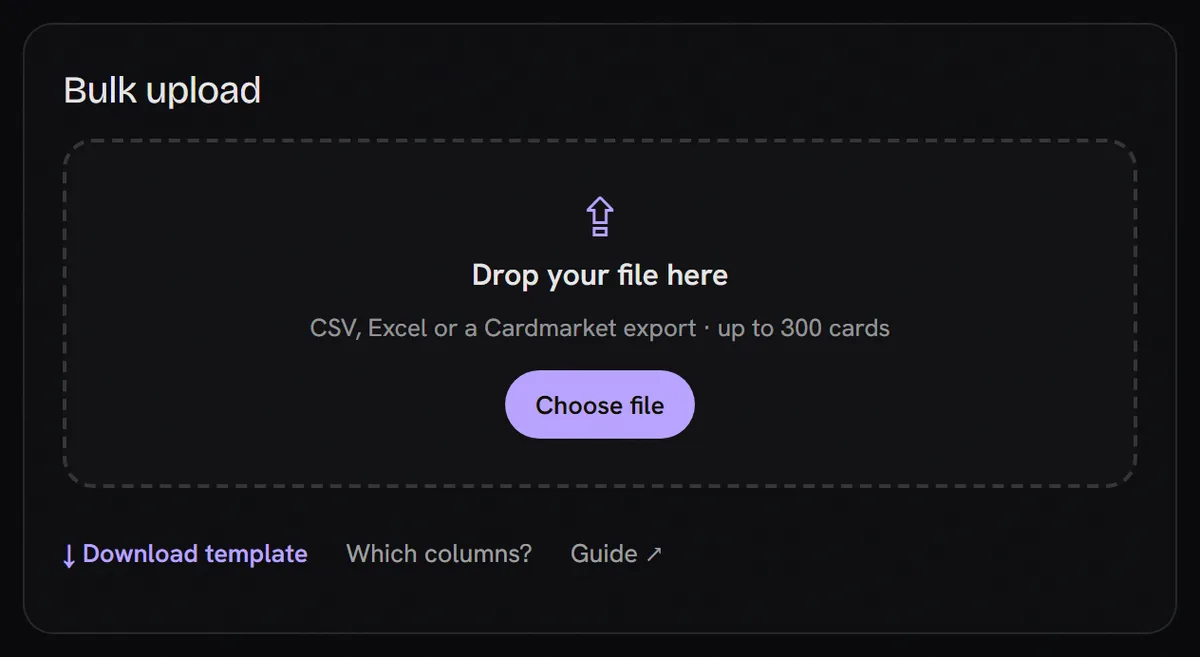
- 1Drop your file anywhere on this box, or tap “Choose file”.
- 2The template: 3 example rows, ready to fill.
- 3The list of columns we read.
Questions
Will Foilio change my prices?
Never. A price you typed is kept. Only empty prices get the market price, and only for games we have prices for.
What if I upload the same file twice?
Cards already in your shop with the same game, name and condition are skipped, so nothing is doubled. Quantities are not added up.
I have more than 300 cards.
Split the file. Upload the first 300, then the next file.